Hi,
I have been using Capitally for a while, mainly with my XTB account. I chose it because I prefer a simple process of importing data periodically, without spending much time on manual tracking, verification, or adjusting mappings.
XTB is currently moving to a new export format. Both the old and new formats will be supported until the beginning of August.
I usually import my data every month or every few months. At the moment, I am trying to use the old export format, but it fails with the following message:
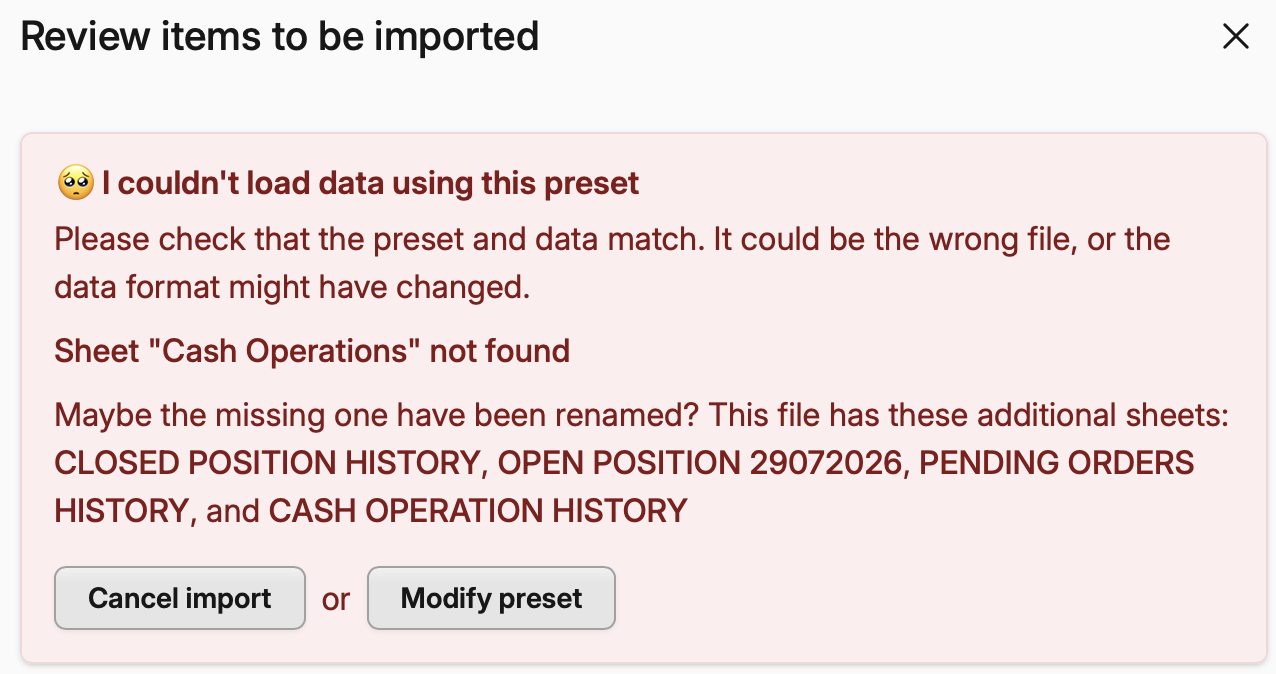
The new export format seems to work, but it does not recognize duplicates. I believe because of the duplicate on the sell of entire position, it assumes its short and gives me this message:

Is there a way to resolve this? Could it be an issue with the data, the XTB export format, or something else?
I would really like to keep the process simple and continue importing my data every few months, without having to manually manage mappings. Until now, everything worked perfectly, so I would appreciate any advice.
Thank you!