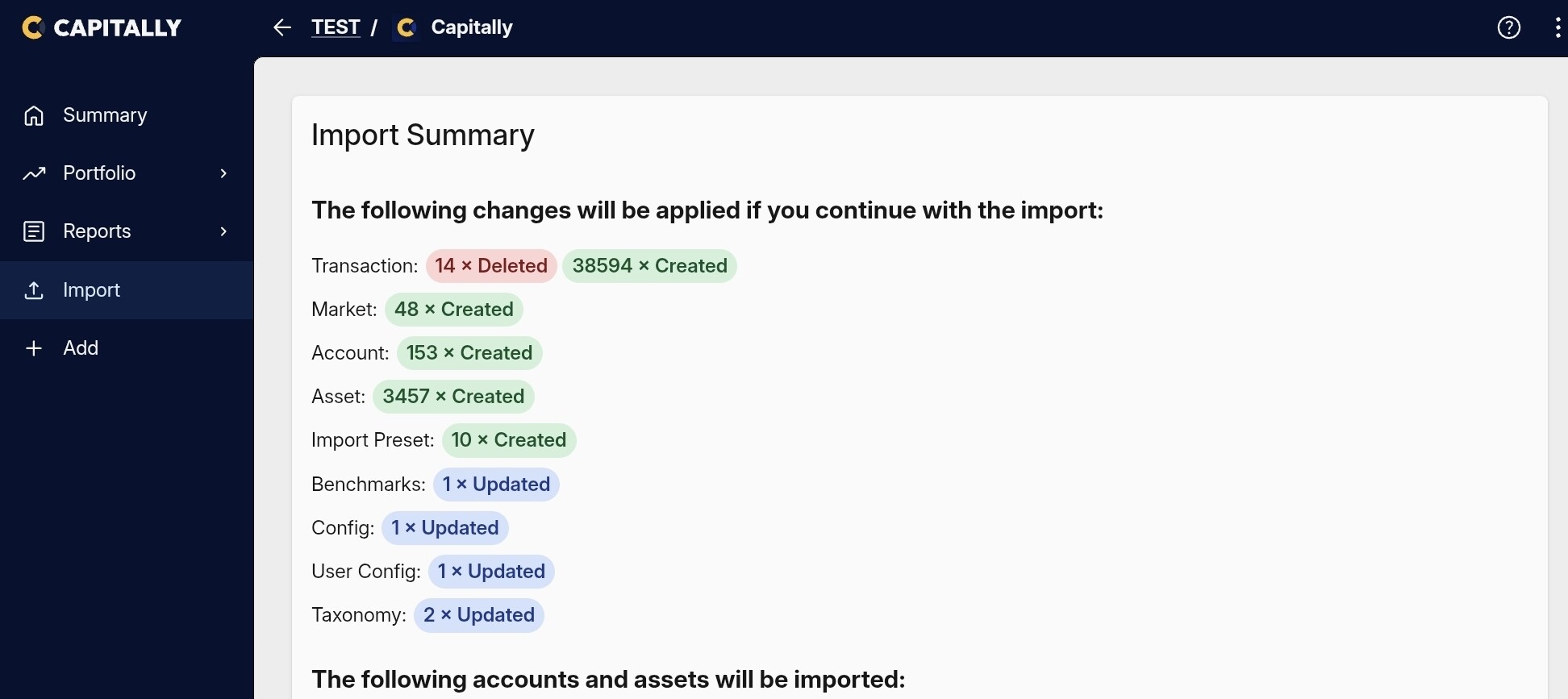
Good morning!
Is it possible to improve “performance on large projects” even further?
Thank you and best regards,
Moritz
Good morning!
Is it possible to improve “performance on large projects” even further?
Thank you and best regards,
Moritz
The current analysis engine is making crazy amounts of calculations, but I can take a look. If you could send an anonymized project (here in a Private Message or to support@mycapitally.com) so that I have a good real-life example, it would help a lot.
Hi rafal,
Thanks for the offer to take a look. Honestly, the system is already faster than anything I’ve ever worked with – I’m very happy with the performance as it is.
Appreciate your support!
Best,
Moritz
If it changes - you know where to find me 
BTW, do you use taxes or cash tracking in your project?
Thanks  Cash tracking!
Hi rafal,
coming back to the performance topic 
I’m running 3 larger research projects and would like to merge them - mainly to compare tag performance across all portfolios. Unfortunately, the system can’t handle the combined data volume (calculates for a long time, then crashes). Might be an edge case given my setup.
Would it be possible to either improve performance for very large projects, or add some way to compare tags across projects without merging?
Totally fine if that’s not feasible - just wanted to share the use case.
Thanks!
Moritz
Hey Moritz,
3.5k assets is really pushing the limits  Remember, that Capitally calculates everything on your device, so it has to make a LOT of requests to fetch all the prices history. Syncing such a big project may also take a while and you may experience rate limiting from our systems.
However, I’d be interested to take a look - at least on one of these projects - to have a real-life use case. As I wrote before - just send me an anonymized version of such project and I’ll be able to check it out.
Hi @rafal,
coming back to this with something more concrete. I think the bottleneck I’m hitting now is not the analysis engine but the sync history, so I wanted to share what I measured, and a proposal that stays entirely inside the encrypt-on-device model.
What I see: the client seems to rebuild the project state on every load by replaying the entire change log. In IndexedDB (database ProjectSync, store pulledChanges), measured today:
So the log isn’t the current size of a project, it’s its whole edit history, and it keeps growing with every import and tag update.
Asset count doesn’t seem to be the driver either: project A is well below the 3.5k assets you mentioned.
I know that exporting a project and importing it into a fresh one resets the history, and I’m already splitting my data into smaller projects partly for that reason. But with repeated imports a fresh project is back at 25k entries soon enough, so I’m looking for something durable rather than a reset.
Proposal, in two sizes:
Three questions:
Background: these projects were built by repeated imports of roughly 1,500 rows each, followed by tag changes on the imported lots. The history therefore grows much faster than the number of transactions. Still cash tracking, no taxes.
Thanks!
Moritz
Great measurements, but the replay is probably not what’s holding you back. Capitally does replay the complete change log, however it also stores the computed state internally and afterwards only reduces the changes that come in on top of it, so the full replay only happens on the initial load. And that replay is a very well-performing task, so 25k or 43k changes on their own shouldn’t stall a project. What mostly prevents a project of this size from working fluently is the complexity of the calculations needed on the transaction data.
Still, compacting is worth doing, and there is a way today: export the full state of the project and import it back into a fresh one. That compacts the whole history in one go, and previously deleted transactions carry through without issues. The steps are here: Changes History in Capitally: Learn How to Track Changes | Capitally
On your other two questions: an import creates a single change per imported row, not one per changed field. I don’t have a supported upper limit for the change log to give you, and as above I don’t think that’s your limiting factor. You can always see every change and what exactly it affected in the history view from the top-right menu.
On the asset side, we are working on improving the situation, but it’s a big undertaking: it basically requires replacing the whole market data engine, and that process is already underway. If asset count is what’s hurting you here, which it might be, that’s the work that will address it.
One thing that would help me tremendously: an anonymized export of one of these projects. Top-right menu, then Diagnostics, then Export anonymized project. It’s safe - asset names, notes, position sizes, quantities and values are all randomized, while the structure, market symbols and prices stay intact, which is exactly what I need to measure where the real bottleneck sits and improve it on a real-world case: How to Get Help & Support in Capitally | Capitally
@Moritz A new set of performance improvements have just landed today with many more to go. Although it’s early, I already see quite encouraging improvements in metrics. Let me know if anything improved in your case or not.