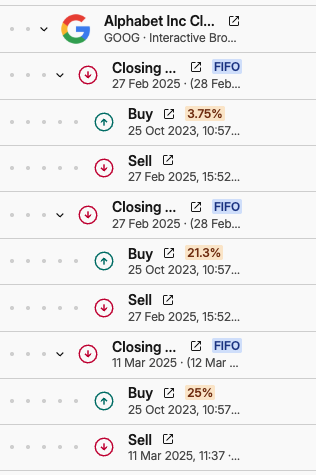
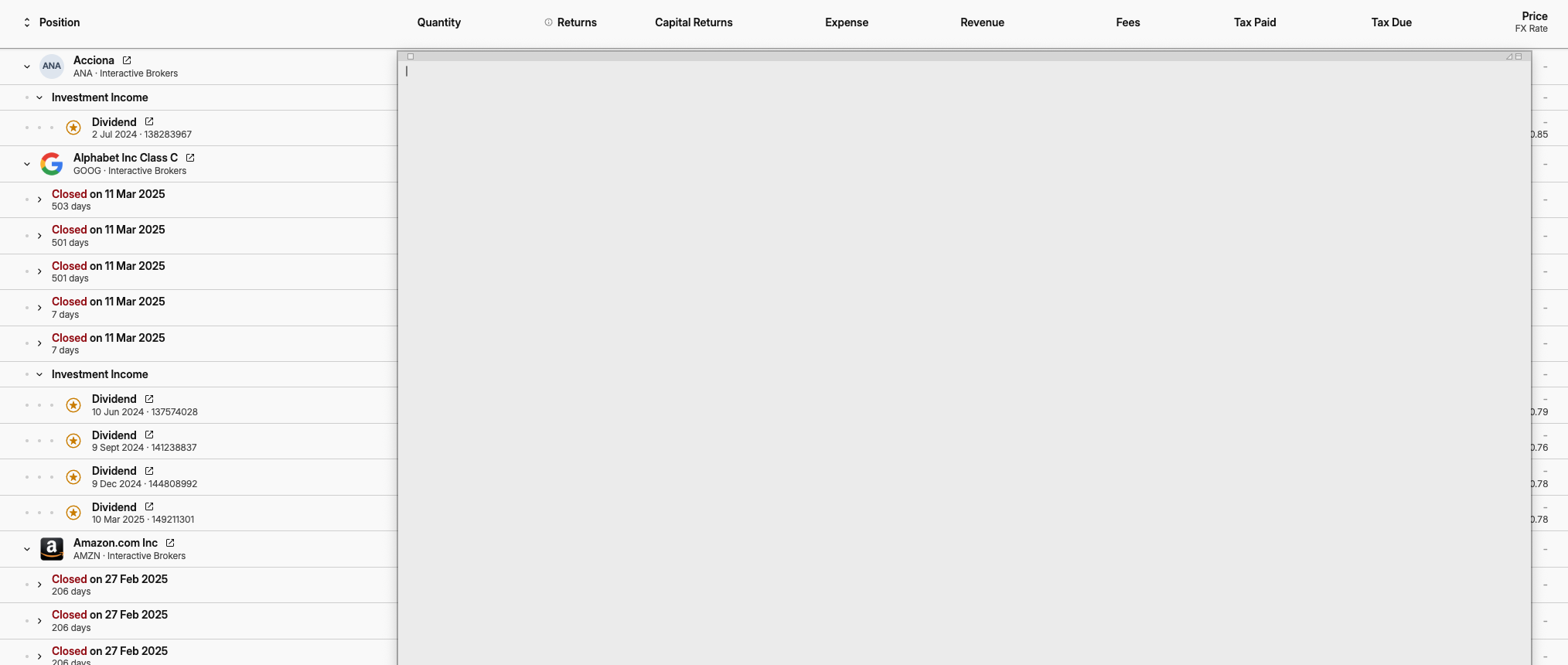
I’m using Capitally to prepare my taxes, but I’m struggling to see the detailed breakdown of my trades. Capitally shows totals well, but it’s hard to view the underlying buy/sell dates and units—especially when a single sale is split into multiple broker transactions.
It would be incredibly helpful to see a consolidated view of each full transaction, or to export all underlying details at once without manually expanding every line. With many trades across multiple brokers, this would save a huge amount of time.
I’m also wondering if there’s a way to see total income, dividends, and capital gains in one place. For UK tax reporting, I only need the combined figures rather than totals per asset.
Thanks so much—Capitally is very close to giving me everything I need, so I’m hoping there’s a way to do this. I enclose 2 screen shots to show what I mean, thanks for your help.
Have you tried using the UK tax preset? You’re currently using the Taxable Income report, if you setup the tax preset, you will also have the Taxes Due Report, which groups numbers in a way which is “compatible” with the tax reporting requirements. The UK tax preset also handles the Average Cost Basis rules for UK.